
Horses of Hoofprint Bay: Achievements Disabled: What to Check
Learn why save editing disables achievements, how launch issues differ, and what to check before risking your Horses of Hoofprint Bay progress.
What disabled achievements mean for your save
A confirmed cause of Horses of Hoofprint Bay achievements disabled is deliberate save editing: the publisher says it disables achievements. That matters because a save that cannot earn achievements and an achievement that simply fails to appear need different troubleshooting. However, Horses of Hoofprint Bay achievements disabled reports also include players who deny editing anything, so an unexpected warning needs investigation before you attempt a repair. The editing consequence comes from the publisher’s release-week FAQ.
This guide covers the Steam full release, launched November 4, 2026, with information current through November 5. There is no confirmed universal recovery procedure in the release-week guidance.
The first distinction is between save eligibility and achievement display or unlocking. Save eligibility concerns whether that save can earn achievements. A display or unlock problem concerns an achievement that is missing, delayed, or apparently unrecognized.
| What you observe | What the evidence supports | What remains uncertain |
|---|---|---|
| Achievements become disabled after deliberate save editing | The publisher confirms this consequence | Whether eligibility can be restored |
| An edited-files warning appears despite no intentional editing | Other players report this situation | What caused that particular warning |
| Achievements do not appear or unlock initially | Players report launch-week problems | Whether your issue has the same cause |
| Achievements begin working after reopening the game | This happened in player experience | Whether missed achievements will be awarded |
When checking achievements disabled, record which situation matches yours. A missing unlock alone does not establish that the save has been disqualified, and an unexpected warning does not prove that a player deliberately changed a file.
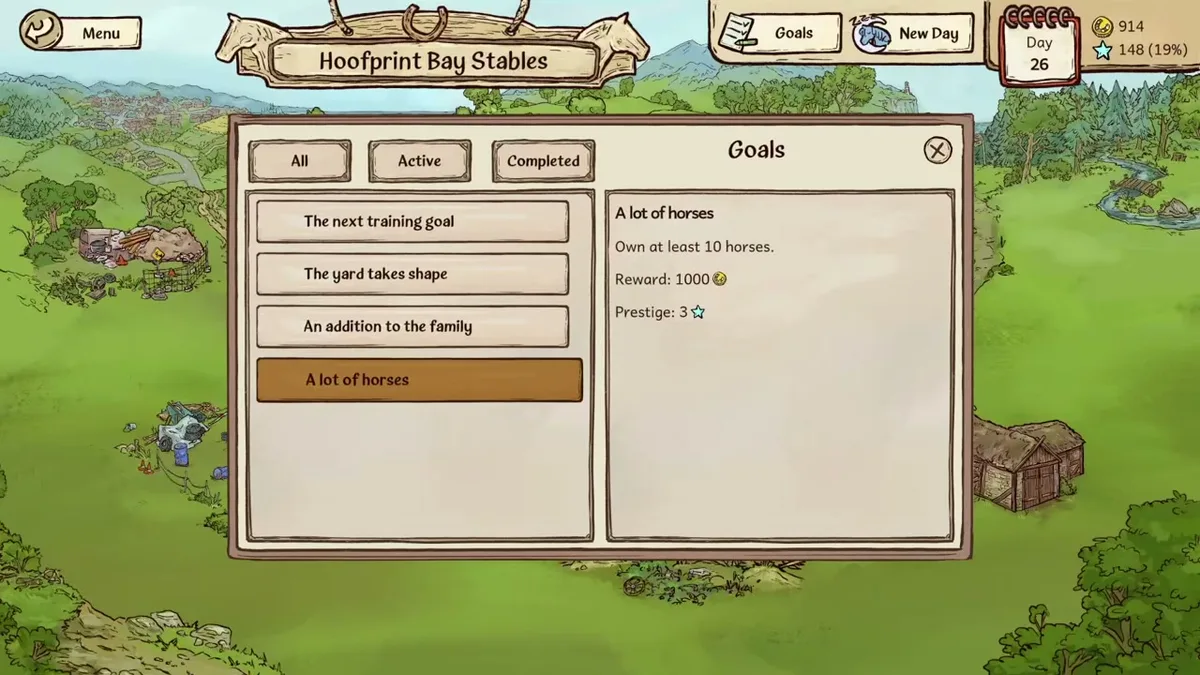
Unaltered gameplay still from JayPlays’ full-release video. General visual context, not proof of an undocumented mechanic. Image source.
Full-release gameplay and in-game handbook: Horses of Hoofprint Bay FULL RELEASE! Starting Our Horse Stable! 🐎 — Rohara, November 4, 2026. English-language reference footage. Specific handbook claims link to their observed timestamps; other uses are general game reference, not a device benchmark or proof of a bug fix.
Check the warning before trying a repair
For achievements disabled troubleshooting, begin by documenting the message and preserving your progress. Avoid changing save contents while investigating an unexplained warning; deliberate editing has a confirmed achievement consequence.
Use this sequence to separate the symptoms:
- Capture the exact message. Take a screenshot of any disabled-achievements notice or edited-files warning. Include where it appears.
- Identify the affected save. Record whether it began in the full release or came from a demo, plus its approximate in-game day.
- Describe the missing achievement. Note its displayed requirement and what you did that you expected to satisfy it.
- Record recent events. Include a crash, power outage, first launch, imported save, or intentional file change if one occurred.
- Distinguish the results after reopening. Record whether the warning remains, achievements become visible, or an achievement actually unlocks.
For an initial display or unlock problem, exiting normally and reopening the game is a reasonable check supported by player experience. It is not a verified way to restore eligibility after save editing. If reopening changes nothing, repeated restarts do not provide a confirmed solution.
Preserve the original save and any existing backups before experimenting. Keep copies unchanged, and do not overwrite your only copy with an attempted repair.
Historical context helps explain why these symptoms should be separated. The official Playtest patch history describes external-edit detection in v0.2.10 and v0.2.11. Later, v0.2.13 added an indicator for saves excluded from achievements, alongside save backups and corrupted-save handling.
Those are historical Playtest changes, not a verified full-release version number or recovery guide. They do not establish that loading a backup clears an achievement restriction. They also do not explain exactly how the launch build decides that a save was edited.
What launch-week player reports actually show
A Steam community discussion opened on November 4 contains several related symptoms. These are community reports, and they should not be treated as confirmed explanations of the game’s detection system.
The original poster described a power outage, a crash, and disabled achievements after reopening. Another player reported an edited-files message despite saying they had not changed the files.
Other replies concerned achievements becoming available or working after a restart. These experiences are useful, but they address different observations.
| Community report | Reported outcome | What it does not establish |
|---|---|---|
| Power outage followed by a crash | Disabled achievements noticed afterward | That every crash disables achievements |
| Edited-files warning without intentional changes | Player wanted eligibility restored | A confirmed false-positive mechanism or repair |
| Achievement list initially unavailable | Reopening made achievements visible; only the first ranch-visit achievement unlocked | Automatic awards for all earlier progress |
| Achievements initially failed to work | Quitting and returning reportedly helped | Restoration of a save marked ineligible |
The sequence “crash, then warning” establishes timing in one player’s account. It does not prove that corruption, backup recovery, or a particular detection check caused the restriction.
Similarly, one player’s successful restart should not become a promise that restarting fixes every achievement problem. An achievement appearing in Steam and a save regaining eligibility are different outcomes.
A achievements disabled warning following a crash deserves a report that includes both events. Describe what happened without guessing at the internal cause.
Save editing, cosmetic mods, and difficulty settings
Deliberate save editing has an explicit achievement consequence. Cosmetic customization and built-in difficulty settings need to be considered separately.
The publisher allows and encourages tack and clothing mods in both the demo and full game. The Steam store also describes built-in appearance customization and accessible files for visual modifications. That support does not amount to a guarantee that every modification preserves achievement eligibility.
| Change or feature | Confirmed information | Practical implication |
|---|---|---|
| Deliberately editing a save | The publisher says achievements are disabled | Avoid this on a save you want to use for achievements |
| Tack and clothing mods | The publisher permits and encourages them | Describe the specific mod when reporting problems |
| Built-in color customization | The store advertises this feature | Distinguish normal customization from external save editing |
| Difficulty settings | Options adjust competition difficulty and prestige rewards or penalties | These are documented gameplay controls |
| Auto-jump | The official FAQ recommends it for jumping difficulties | Record its use separately from file modifications |
The official Horses of Hoofprint Bay FAQ directs players toward easier competitions, increased prestige gain, and auto-jump when they need assistance. It does not identify those options as causes of disabled achievements.
That supports using the game’s documented assistance options instead of editing a save to make progression easier. It does not justify inventing an unconditional achievement guarantee for every setting or mod combination.
For anyone investigating achievements disabled, “I changed something” is too broad to diagnose. Selecting a color in the game, installing a clothing texture, and editing saved progression are distinct actions.
Report what changed as precisely as possible. If you installed a mod, include its name and which files its instructions told you to replace. Do not assume that removing it will reverse an existing restriction; no such recovery behavior is confirmed.
What to include in an achievement bug report
If you never deliberately edited your save and the warning persists, reporting the unexpected behavior is the most useful next step. The official FAQ says the developers will monitor bug reports and address issues as needed, but it provides no achievement-recovery timetable.
A participant in the launch discussion said they had submitted a Discord bug report. That is player experience, not confirmation that the developers have diagnosed or fixed the problem.
A useful report should let someone distinguish eligibility, visibility, and unlocking without needing several rounds of clarification.
| Detail to include | Why it helps |
|---|---|
| Exact warning text and screenshot | Identifies the symptom you actually see |
| Full release, demo, or Playtest | Separates different game versions |
| Displayed build/version, if available | Gives developers a more precise reference |
| Save origin and approximate in-game day | Establishes the save’s history |
| Achievement name and expected qualifying action | Identifies the missing unlock |
| Crash or power-outage timing | Preserves the sequence of events |
| Save edits, mods, or customization used | Distinguishes different kinds of changes |
| What happened after reopening | Shows whether visibility, unlocking, or the warning changed |
Keep the report factual: explain what you did, what you expected, and what appeared instead. If you do not know whether a file changed, say so rather than guessing.
A clear achievements disabled report also separates old progress from new activity. Specify whether an achievement was earned before the problem appeared, whether you expected an earlier accomplishment to count retroactively, or whether a newly completed requirement failed.
Keep your save available for developer follow-up. There is no confirmed need to delete your ranch simply because an achievement failed to appear, and starting over should not be presented as a verified repair.
FAQ
Why am I seeing achievements disabled when I never edited my save?
Community reports describe this situation, including a player who noticed disabled achievements after a power outage and crash. The cause has not been established. Capture the warning, preserve the save, and report the sequence of events. An edited-files message alone does not explain how the game reached that result.
Can restarting the game re-enable achievements?
Restarting helped some players with initial achievement visibility or unlocking problems. It has not been confirmed to restore eligibility to a save disabled by deliberate editing. Check exactly what changes after reopening: seeing the achievement list, receiving an unlock, and clearing an eligibility warning are separate results.
Will achievements unlock retroactively after the problem is resolved?
There is no confirmed blanket promise of retroactive unlocks. One launch-week player reported receiving only the first ranch-visit achievement after reopening, despite having played longer. That experience leaves the treatment of other milestones unresolved. Record which achievements you believe you qualified for and when, so a report can address those specific missing awards.
Does transferring an October demo save disable achievements?
The official FAQ confirms that October demo saves are compatible with the full game; February demo saves are not. Compatibility does not establish that every earlier accomplishment will receive a Steam achievement automatically. There is also no confirmed rule here that an October demo transfer itself disables achievements. Include the save’s origin when reporting an unexpected warning or missing unlock.
What should you read next?
- Horse Care & Grooming Guide
- Horse Training & Confidence Guide
- Horse Breeding & Genetics
- Controls, Praise & Switching Paths
Return to Getting Started or the wiki homepage to choose another topic.
Related Articles
guides
Horses of Hoofprint Bay: Steam Achievements Guide
Plan Horses of Hoofprint Bay achievement goals across breeding, training and competition wins. Find confirmed milestones and help with disabled achievements.
guides
Horses of Hoofprint Bay: Apple Tree: Demo Location Guide
Find the Horses of Hoofprint Bay apple tree using the February Demo route, learn when to stop, and understand the reported picking issue.
guides
Horses of Hoofprint Bay: Beginner Guide: Your First Days
Learn horse care, training, competition preparation, and stable management, with clear differences between the demos and full game.
Was this helpful?
Thanks for the feedback!