
Horses of Hoofprint Bay: Lessons: Not Enough Corrections
Improve lesson corrections in Horses of Hoofprint Bay with posture checks, beginner practice, and clear distinctions between release and demo advice.
Start with the rider’s posture
If you keep searching for Horses of Hoofprint Bay lesson corrections not enough corrections, start by comparing the student’s posture with the handbook’s neutral position. Recognizing the error matters because giving lesson corrections involves teaching NPC riders, with advanced students making subtler mistakes that require faster responses. The practical starting point for Horses of Hoofprint Bay lesson corrections not enough corrections is an easier lesson, a clear posture reference, and corrections aimed at the body part that needs adjustment.
This guide covers the global Steam full release, which launched on November 4, 2026, with information current through November 5. The posture guidance comes from the in-game handbook visible in Rohara’s release recording; community advice below comes from earlier demo discussions.
The Giving Lessons handbook explains that beginner riders make more obvious mistakes and allow more time for corrections. Advanced riders require quicker recognition of smaller deviations. That makes beginner lesson corrections a useful place to learn what normal posture looks like before attempting harder sessions.
For lesson corrections, the available release evidence does not establish a universal minimum number of successful corrections. Focus on recognizing actual mistakes, choosing the matching direction, and responding promptly. Repeatedly pressing every correction control is not a dependable strategy.
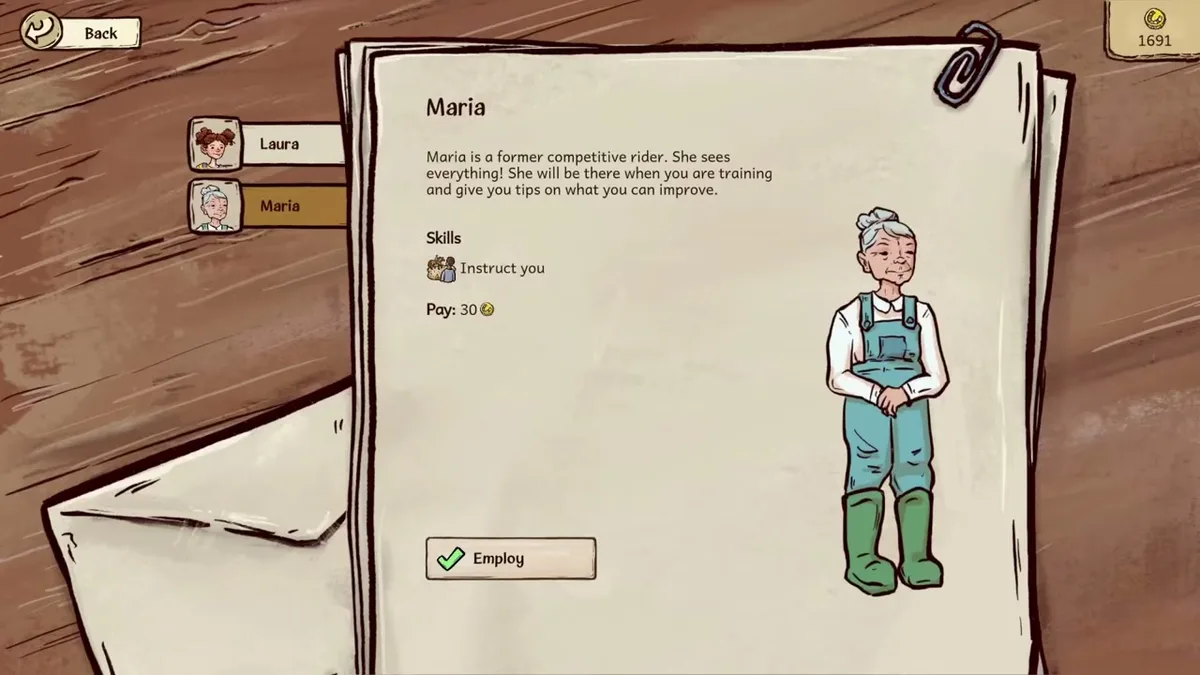
Game reference image. Image source.
Full-release gameplay and in-game handbook: Horses of Hoofprint Bay FULL RELEASE! Starting Our Horse Stable! 🐎 — Rohara, November 4, 2026. English-language reference footage. Specific handbook claims link to their observed timestamps; other uses are general game reference, not a device benchmark or proof of a bug fix.
Learn the neutral position and matching corrections
A useful way to approach lesson corrections is to memorize two alignment checks. They give you something specific to inspect instead of relying on a vague impression that the rider looks awkward.
| Posture check | Neutral reference | What to inspect |
|---|---|---|
| Rider alignment | Head, shoulder, hip, and heel form a vertical line | Compare the rider’s upper body and leg position with that line |
| Rein alignment | Elbows, hands, and reins toward the horse’s mouth form a straight line | Look for a break in the alignment around the hands |
These references appear in the Giving Lessons handbook shown at 33:50 in Rohara’s recording. Study the illustrated neutral position before another attempt, particularly if you struggle to distinguish a small error from the rider’s normal pose.
The handbook’s illustrated examples also establish these correction directions:
| Visible mistake | Matching correction | Reference to check afterward |
|---|---|---|
| Hands are too low | Raise the hands | Elbow-to-hand-to-rein alignment |
| Legs are too far back | Move the legs forward | Heel position relative to the rider’s vertical alignment |
| Legs are too far forward | Move the legs back | Heel position relative to the rider’s vertical alignment |
The examples are visible in the illustrated corrections shown at 34:30. Apply hand guidance when the lesson includes hand corrections, and follow the controls presented for your current lesson.
For example, if the student’s legs sit too far forward while their upper body appears aligned, move the legs back and check the result. That observation gives you a specific action. It does not justify also changing the student’s hands.
Use a consistent routine during each lesson
When troubleshooting lesson corrections, use the same observation sequence each time. The following routine applies the handbook’s posture guidance; it is a practice method, not an additional scoring rule.
| Step | What to do | Purpose |
|---|---|---|
| Establish a reference | Review the handbook’s neutral rider illustration | Make deviations easier to recognize |
| Choose manageable practice | Start with a beginner lesson | Use the more obvious mistakes and longer response allowance |
| Inspect the rider | Check body alignment, legs, and hands where applicable | Identify the part that needs correction |
| Match the direction | Select the correction corresponding to the visible error | Avoid confusing opposite commands |
| Check again | Compare the adjusted posture with the neutral reference | Decide whether another correction is warranted |
Before beginning, take a moment to associate each displayed command with its movement. Recognizing “legs too far forward” is only useful if you can quickly identify the command that moves them back. Use your current control display rather than assuming a key mentioned in an older discussion still matches your setup.
During practice, separate two difficulties: recognizing the posture and selecting the input. If you can describe the mistake but choose the wrong direction, concentrate on the controls. If every pose looks similar, spend more time comparing the handbook illustrations.
A short mental sequence can help: identify the body part, identify the direction, correct, recheck. This keeps your attention on the student’s position and gives each input a reason.
Move to harder lesson corrections when those decisions feel more comfortable. The handbook explicitly describes advanced errors as subtler and more time-sensitive, so difficulty can increase even after you have learned the controls. It provides no exact response window to memorize.
Treat older community tips as player experience
Some advice associated with lesson corrections comes from the February demo period. The Steam discussion about difficult lesson corrections began on February 19 and includes March follow-ups that explicitly discuss the demo.
Those experiences offer ideas to try, but they do not establish how every interaction behaves in the November release.
| Community suggestion | Reported benefit | How to use it cautiously |
|---|---|---|
| Zoom closer to the student | Players found the rider easier to see | Try zoom if available in your current lesson |
| Compare toes with the front of the girth | One player used this as a quick leg-position cue | Use it as a secondary cue alongside the handbook’s alignment |
| Correct just after the rider leaves view | A player reported that corrections could still work | Treat this as older player experience; prioritize visible errors |
| Reverse an accidental wrong correction | Players reported recovering by correcting the other way | Recheck the posture instead of assuming the first error has no consequence |
The most transferable suggestion is to develop clear visual reference points. A consistent comparison is easier to practice than trying to judge the entire moving rider at once.
Community reports also describe difficulty seeing subtle changes when the horse moves quickly. That aligns with the handbook’s explanation of advanced lesson corrections, although individual accounts cannot establish an exact timing requirement.
Be especially careful with old advice suggesting that more inputs automatically produce better results. Historical scoring changes make that an unreliable assumption. If you recognize that you have moved a body part the wrong way, use the resulting posture to decide your next action.
Check version history and manage repeated attempts
If lesson corrections continues after focused practice, record the lesson level, the exact result message, and which corrections you attempted. A short recording can help you compare what you saw with the command you selected, or provide a concrete example when reporting a possible problem.
There is relevant official history, but it belongs to earlier Playtest builds:
| Historical Playtest version | Documented lesson change | What it establishes |
|---|---|---|
| v0.2.8, published August 1, 2026 | Adjusted the required relationship between correct and wrong corrections | Lesson evaluation changed during development |
| v0.2.12, published August 22, 2026 | Limited wrong corrections to at most one quarter for an excellent result | An accuracy requirement existed in that Playtest build |
| v0.2.13, published October 9, 2026 | Fixed a problem preventing excellent lesson corrections | A historical lesson-rating bug was addressed |
These entries appear in the official Horses of Hoofprint Bay Playtest patch history. The one-quarter figure describes v0.2.12; it is not a verified full-release threshold. Likewise, the v0.2.13 fix does not prove that a disappointing result in your current game has the same cause.
A lesson that never starts needs separate troubleshooting. The February 25 community thread about gray or black lesson screens contains reports associated with newly installed v0.1.8 demos, followed by player reports of a fix. It does not establish a current launch bug.
Repeated practice also needs to fit your horse’s workload. The Horse Stats & Training handbook says the exercise bar tracks work already used that day. Passing its red threshold produces exhaustion the next day, while greater endurance allows more daily exercise. Check that bar before adding another session.
The same handbook says lesson horses require corrective training. That is a horse-management requirement alongside your work correcting the student’s posture. The training handbook shown at 33:00 does not establish corrective training as a direct solution to the lesson-result message.
If you report persistent trouble, include whether you are playing the full game or a demo, your displayed version if available, and a reproducible example. Those details make the report more useful than a result message alone.
FAQ
How many corrections fix lesson corrections?
A universal minimum is not established by the current handbook evidence. It explains posture and the increasing difficulty of recognizing errors, but does not provide a verified numerical target. Practice identifying genuine mistakes and matching each one to the appropriate correction.
Why are advanced lesson corrections harder even after I learn the controls?
The Giving Lessons handbook says advanced riders make subtler mistakes and require faster correction. Knowing the buttons addresses only part of the challenge. Returning to beginner lesson corrections gives you more obvious examples and more time to connect each visible error with its correction.
Can I earn money without giving lesson corrections?
The official Steam description confirms that competitions award prize money. Earlier player experience also describes earning through boarding and showing while avoiding lesson corrections. That supports exploring other income sources, although those demo accounts do not establish a complete progression route for the full release.
Should I repeatedly press opposite corrections to improve the result?
Use the rider’s visible posture to choose each input. Older community reports describe recovering from a wrong correction by moving the same body part back the other way, but they do not verify that alternating inputs is beneficial in the release. Recheck the student after each adjustment and correct the error you can identify.
What should you read next?
- Horse Training & Confidence Guide
- How to Praise Your Horse
- Jumping Timing, Gaits & Strength
- Riding Lessons & Correct Posture
Return to Training & Lessons or the wiki homepage to choose another topic.
Related Articles
training
Horses of Hoofprint Bay: Horse Training & Confidence Guide
Build strength, endurance, and confidence with practical guidance on desensitization, praise, gait warnings, and community reports about bucking.
training
Horses of Hoofprint Bay: How to Praise Your Horse
Learn the praise controls, when to reward gait changes, and how to build confidence during desensitization in Horses of Hoofprint Bay.
training
Horses of Hoofprint Bay: Jump Indicator & Takeoff Help
Understand jump markers, strength warnings, riding controls, and gait choices, with full-release guidance and clearly labeled demo tips.
Was this helpful?
Thanks for the feedback!